Your empty spot pays rent.
Set the hours and the price. The app opens your gate for a verified driver. You're paid after every booking.
A spot that waits for you.
Book a private spot near where you're going, pay in the app, and the barrier opens when you arrive.
You're on the list.
We'll email you the day OnlyParking opens in your city.
Something went wrong. Try again, or write to support@only-parking.com
How it works.
If you have a spot
List the spot.
Photos, type, size, how to get in. Our team reviews it before it goes live.
Set the hours and the price.
Availability windows, each with its own hourly rate.
Clone your remote once.
Your gate or barrier remote is paired with the app. You keep the original.
Get paid after every booking.
Your share lands in your wallet as soon as the driver checks out.
If you need parking
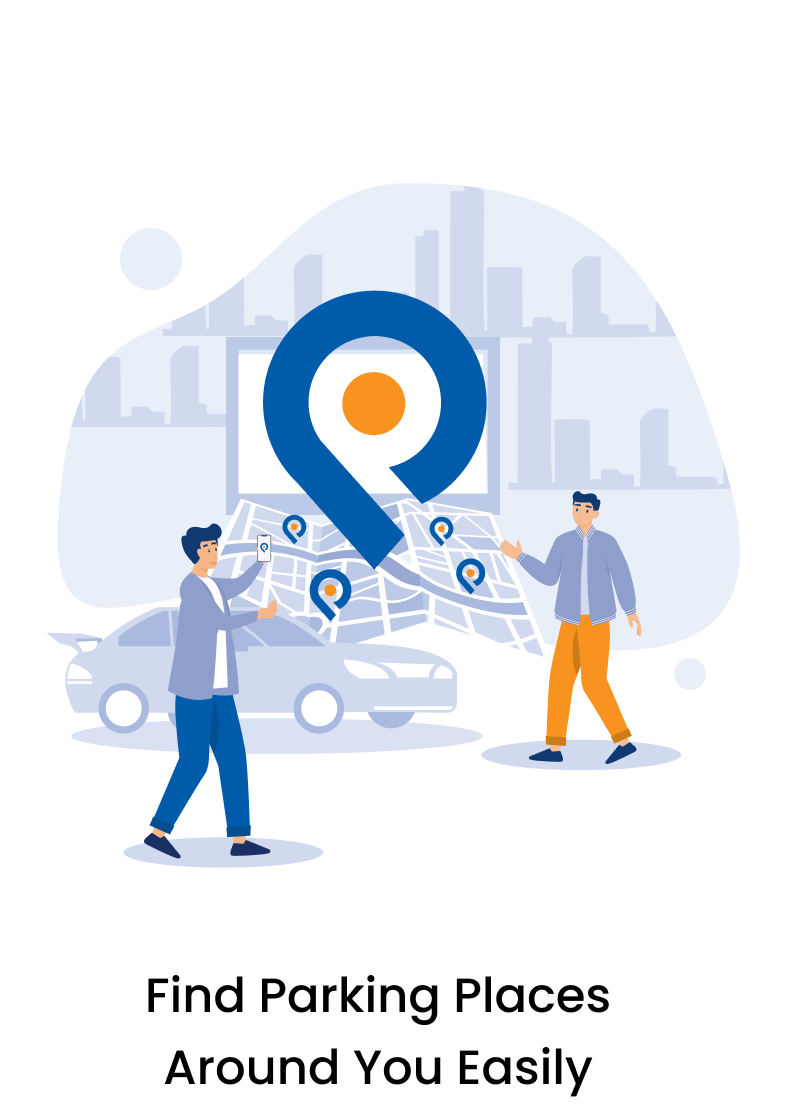
Find a spot on the map.
Private garages, driveways and courtyards near where you're going.
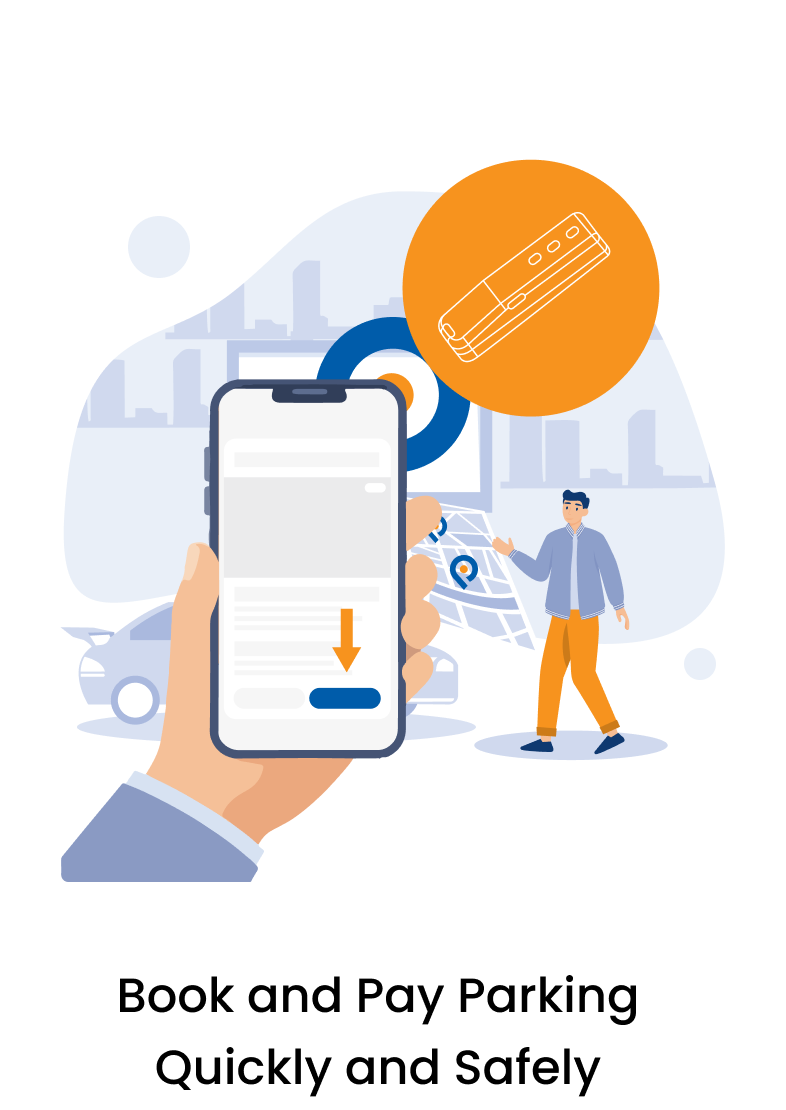
Book and pay in the app.
The listed price is the price. Pick the hours you need.
Arrive. The gate opens.
Your phone opens the barrier for the booked hours and nothing else.
Check out when you leave.
Overstay is billed by the hour, so leave on time or extend.
The app opens the gate.
Most private spots sit behind a barrier or a garage door. That's why nobody rents them out. OnlyParking pairs the owner's remote with the app once, and a verified driver's phone opens it for the booked hours only.
What it costs.
80%
You keep 80%.
The 20% service fee comes out of your payout. Nothing is added to the driver's price.
Paid out after every completed booking.
0%
You pay the listed price.
No service fee on top. Overstay is billed at the spot's hourly rate.
Cancellation, chosen by the owner
The exact terms of each policy are shown on the listing before you book.
An app, on your phone, at launch.
iOS and Android. Two screens from the app's onboarding.
Be first in line.
You're on the list.
We'll email you the day OnlyParking opens in your city.
Something went wrong. Try again, or write to support@only-parking.com